Case study
The HR system, in every employee's pocket
whHREmployee attendance & HR app
The mobile companion to the whHR web system: employees check in and out, follow their attendance, overtime and gatepasses, and see their own HR records without asking anyone.
Field
HR & workforce management
Scope
UX/UI design
Platform
Mobile app
Users
Employees & managers
The challenge
Attendance, overtime and gatepass requests lived in a web system employees rarely opened. Simple questions — did my check-in register, was my overtime approved — went to HR instead of being answered on the spot.
Our approach
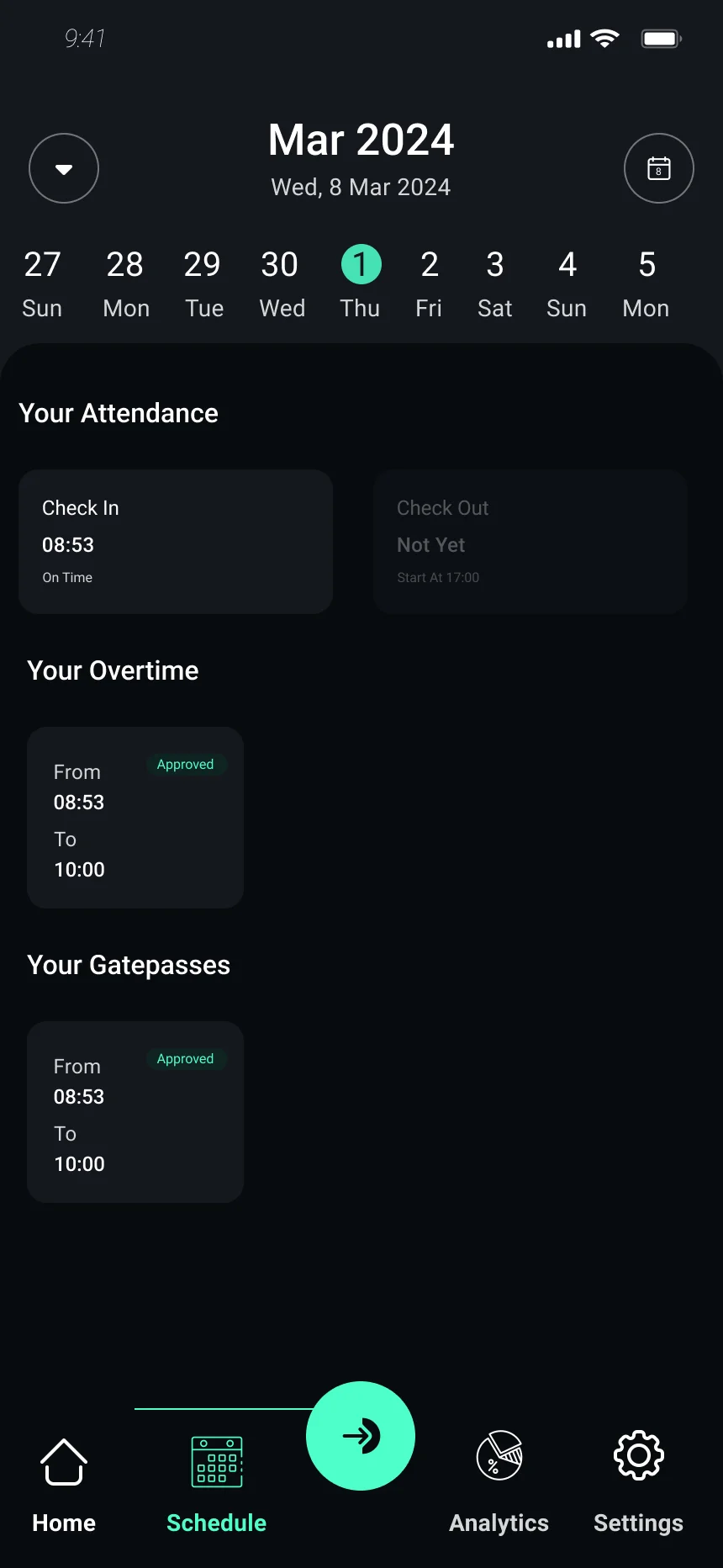
We designed the app around the one action people take every day — checking in — and put the answers to everything else one tap away from it.
Check-in at the centre
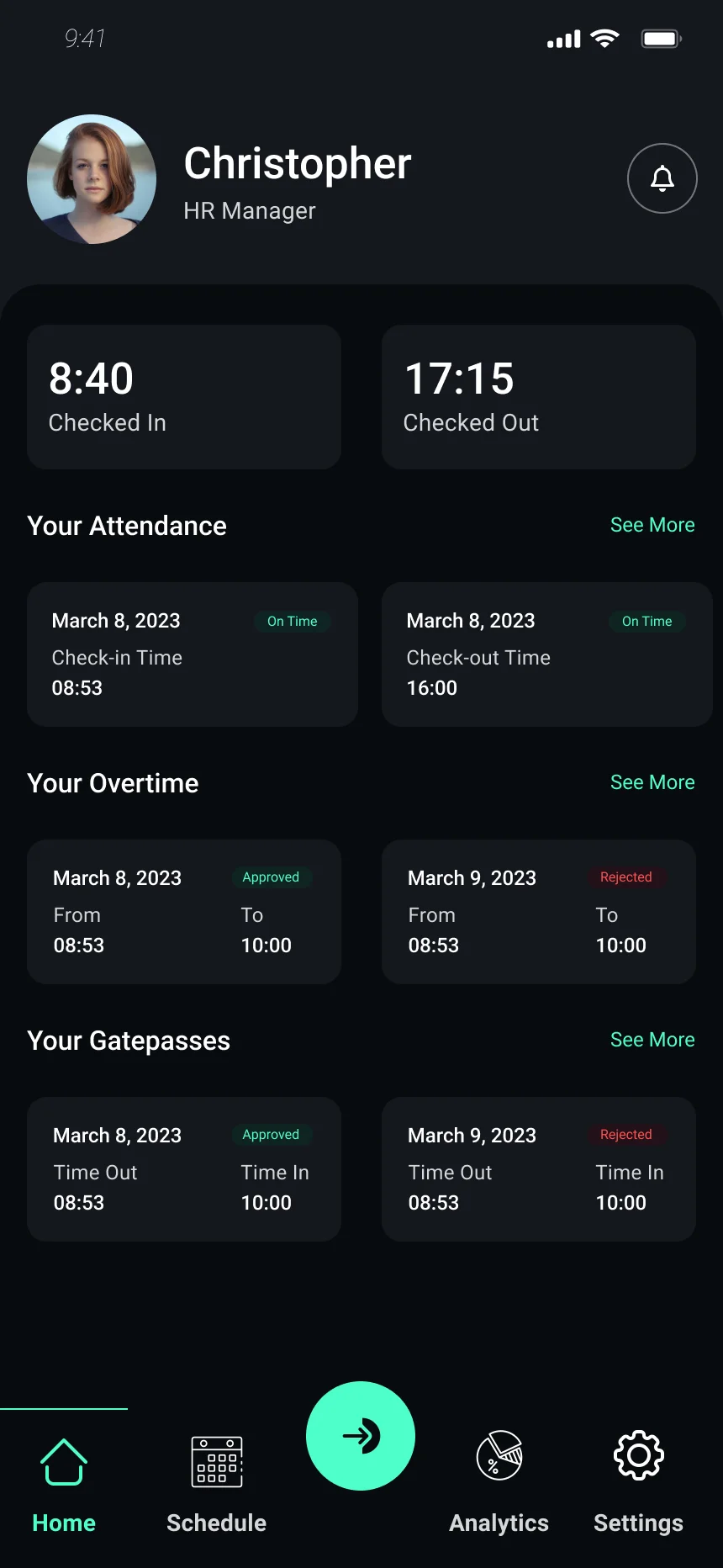
A single button in the middle of the navigation records time in and out from any screen.
Status on every record
Attendance, overtime and gatepasses carry a clear approved, rejected or pending label.
Activated from the web system
First-time setup is linked to the company's whHR account, so nobody types credentials from scratch.
Experience direction
Today first
The home screen opens on today's check-in and check-out times, then recent attendance, overtime and gatepasses.
Numbers you can trust
Overtime details show the full calculation — salary per hour, rate and hours — not just a total.
Your records, self-serve
Profile, employment, work scheme and payroll information are readable in the app without a request to HR.
Product screens
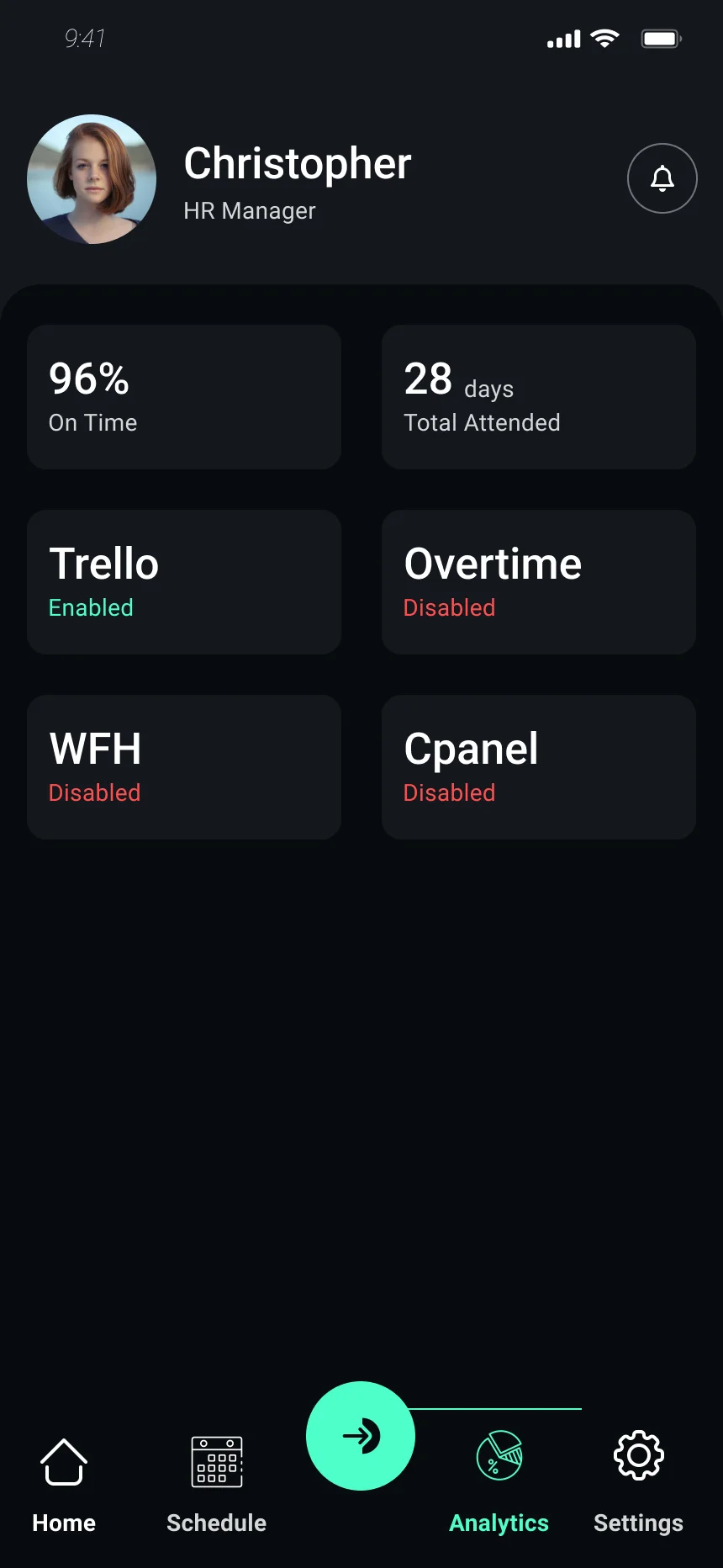
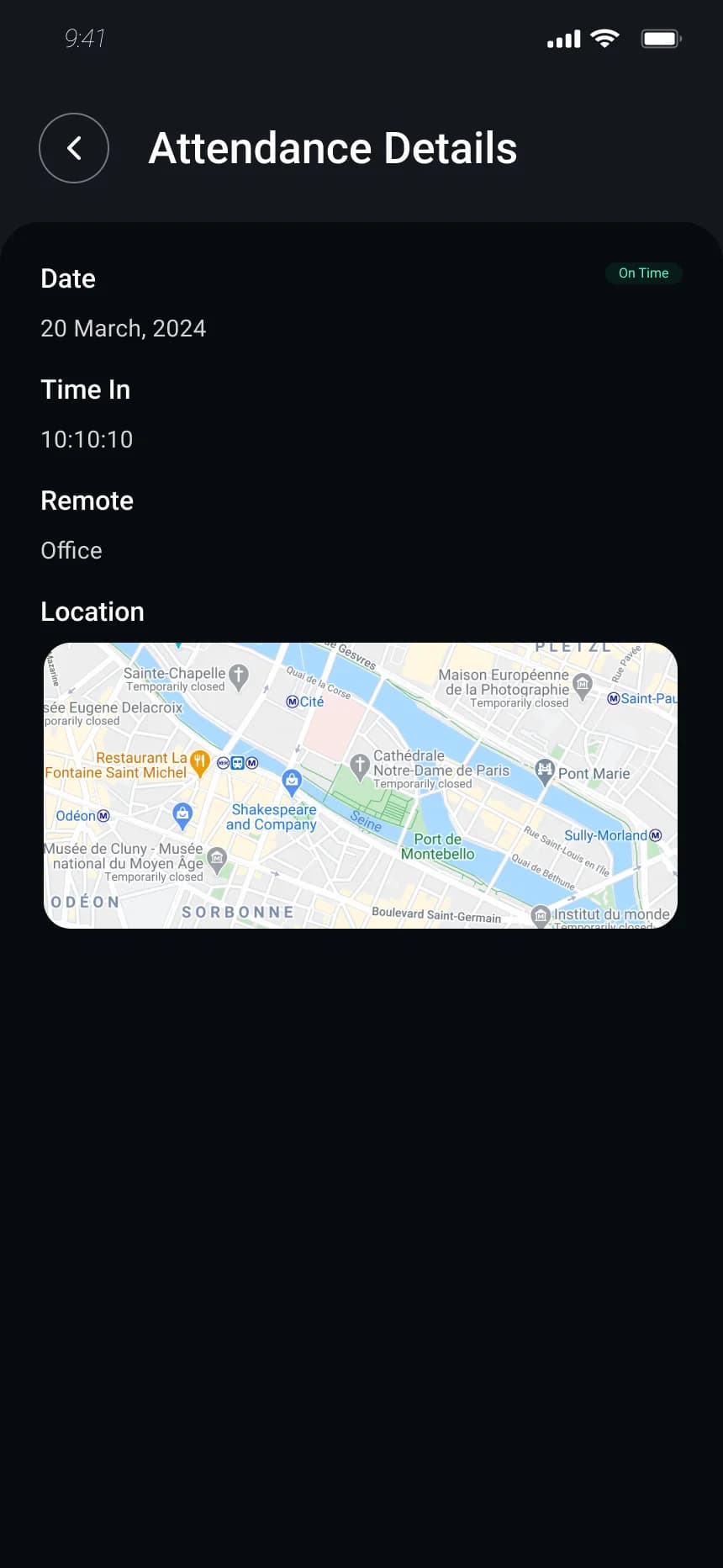
Home, schedule, analytics and attendance details, from the whHR employee app.
Design system
A dark interface with a single mint accent reserved for the check-in action and approved states, so status reads at a glance.
Outcome
The design gives employees one place to record their day and check its status: check-in from any screen, every request with a visible decision, and HR records they can look up themselves.
One-tap check-in and check-out
Clear status on overtime and gatepasses
Self-serve HR and payroll records
Related project